

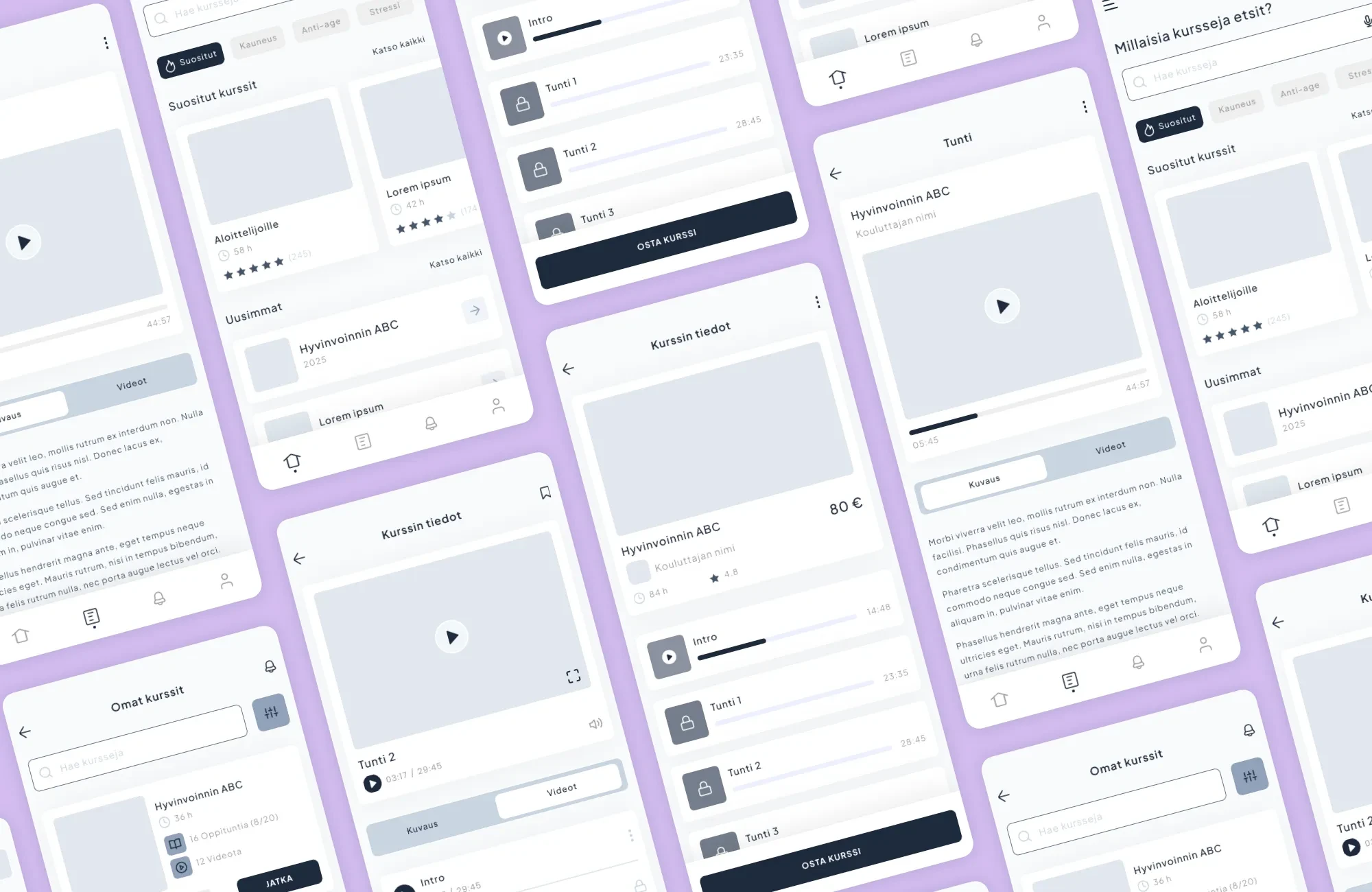
User interface design requires technical and visual expertise
User interface design, or UI design, refers, as the name suggests, to the user interface – that is, how the user interacts with a digital service. UI design visualizes the screens and interactions that enable the user to navigate a website, mobile app or software and move naturally through the service.
In the context of UI design, there is often talk of UX design, or user experience design. UI and UX are not synonymous, although they are closely related. UX design focuses on the overall user experience and the user’s journey, while UI design is responsible for the visual and interactive implementation of these solutions in digital products.
Both user interface design and user experience design play a crucial role in the success of websites, applications and software. They ensure that the service is easy to understand, pleasant to use and supports the goals of both the user and the business.
- What is a user interface?
- Technical and visual expertise enable a functional user interface
- Why is user interface design important?
- What makes a good user interface?
- The best results are achieved when UX and UI are designed together
- Artificial intelligence supports UI design but does not replace the designer
- User Interface design is a process of continuous improvement
What is a user interface?
The user interface is the part of a digital service through which the user interacts with the system. It may be a website, a mobile app or a software interface where the user reads content, makes choices and performs actions. In practice, the user interface is everything the user sees and uses within the service.
In digital projects, the user interface is usually a graphical user interface, where interactions take place via visual elements such as buttons, menus and forms. The style and implementation of the user interface vary depending on the purpose of the service, but its function is always the same: to make using the system understandable, smooth and efficient. A user interface can be graphical (GUI), text-based (CLI) or physical (HW).
- Visual and interactive
- Includes windows, icons, menus, buttons, and other graphical elements
- Users navigate and interact using a mouse, touchscreen, or keyboard
- Examples: computer desktops, mobile apps, websites
- Based on text-based commands
- Users enter commands via a keyboard, and the system responds with text output
- Commonly used by developers, system administrators, and power users
- Examples: Linux Terminal, Windows Command Prompt
- Physical controls of a device, such as buttons, switches, levers, indicators, and lights
- Enables users to operate the device and receive feedback
- Examples: a car’s steering wheel and instrument panel, microwave oven controls
User interface design does not take place in isolation from the user experience. UX guides the logic and structure of the service, while the UI determines how these solutions are displayed and function within the user interface. Without a clear user interface, a well-thought-out user journey cannot be fully realized in practice.
The user interface is used to guide the user’s attention, support decision-making and build trust. The hierarchy of elements, typography, buttons and use of space all influence how easily the user can understand the service and navigate it naturally. For this reason, UI/UX design is a key component of websites, applications and larger software systems alike.
Technical and visual expertise enable a functional user interface
Good user interface design is not only visually appealing, but also technically feasible. The work of a UI/UX designer requires both graphic design skills and an understanding of web and software development to ensure that user interface solutions are feasible in practice.
UI/UX design is carried out in close collaboration with developers. When design and technical implementation run in parallel, the solutions support the functionality of the entire system and development work progresses more smoothly. This reduces errors, saves time and ensures that the end result serves both users’ day-to-day needs and business objectives.
Why is user interface design important?
We live in a constant flood of information, where competition for customers’ attention is fierce. Once potential customers have found your service, you’ll certainly want to persuade them to make a purchase or take some other desired action. The usability of the user interface is so important that even the shape and color of a CTA button can determine whether users understand what they should do on a website or in another application – not to mention their placement.
User interface design has a direct impact on how effectively a digital service serves its users and supports business objectives. Without a well-thought-out user interface, users are forced to pause, search and interpret, and every extra step increases the risk of the transaction being interrupted.
For example, if the aim of a website is to generate inquiries, a good practice is to keep the main page clear and to include only one call to action (CTA) – ‘Contact us’. If the main page contains several conversion points (CTA buttons), users will become confused, and this may have a negative impact on the conversion rate. People are impatient and will leave the site without carrying out the desired action if it is too complicated or difficult. You can find out more about user interface design on Adobe’s website, for example.
A well-designed user interface makes using a service smooth and predictable. It reduces errors, speeds up the learning process and makes day-to-day use easier, whether on websites, in apps or in software. From a business perspective, user interface design is also a form of risk management: careful design reduces the need for costly fixes and unnecessary redesigns in the later stages of a project.
Put simply, the user interface is the part of the software that turns casual users into customers. The user interface acts as a sort of customer service representative, so it must be able to serve users well enough to ensure your objectives are met. In the context of a digital service, these objectives might include, for example, inquiries or, in the case of an online shop, sales. In the digital world, these objectives are generally referred to as conversions, and, for example, a website’s conversion rate can be regarded as a service performance indicator (KPI) used to measure the achievement of objectives when a direct sales target cannot be set.
When user interface design is user-centered, a simple and intuitive interface supports the ultimate business objectives by engaging users and guiding them towards the desired outcome. Whether it’s a mobile app, a web-based application, software or a website – the visual design is part of the user experience for all of these and also influences the perception of the brand.
What makes a good user interface?
A good user interface does not happen by accident. It is the result of a carefully considered set of design decisions that support the goals of the service while addressing the needs of its users. A visually impressive interface alone has little value if users do not find the service functional and easy to use.
A good user interface enables value creation by fulfilling the objectives set for it. User interface design starts with the principle that a website, mobile app, or software product should be built around the needs of its users and tailored to its intended audience. Even the most visually appealing interface is ineffective if the service does not solve the customer’s problem. Below are some of the key characteristics of a good user interface.
The user interface should be easy to understand, allowing users to quickly grasp how the service works, navigate through it, and determine what actions they can take next.
A user interface should guide users toward desired actions. Thoughtfully designed microinteractions and visual feedback support the user journey without distracting from the content itself.
For example, subtle animations can be used to direct users’ attention and provide guidance. While interaction design is part of user experience (UX) design, animations are also an important visual tool in UI design. They help make products and services easier and more intuitive to use by supporting user actions and reducing uncertainty.
A user interface should function seamlessly across different devices, screen sizes, and usage contexts. Achieving this requires close collaboration between design and development teams to ensure a consistent and effective experience for all users.
A good user interface is accessible to all users. Accessibility should be considered from the earliest stages of the design process, taking into account different user groups, abilities, and usage contexts. Explore the accessible UX/UI project we created for the University of Turku!
The visual design creates the first impression of a company or service and plays an important role in shaping the overall user experience. It also contributes to achieving the goals set for a website, application, or software product.
In UI design, the interface is crafted to support the intended user experience while reflecting the organization’s brand identity. In addition to colors and graphic elements, typography is a key component of the visual design.
From a visual perspective, designers should consider the company’s brand, established UI design best practices, and the quality of the interaction between the product and its users. The visual design should also build trust and communicate the right message. For example, financial services typically benefit from a professional and trustworthy appearance, while websites designed for children can adopt a more playful and expressive visual style.
A good user interface is the result of a holistic approach where user needs, business objectives, and technical implementation come together.
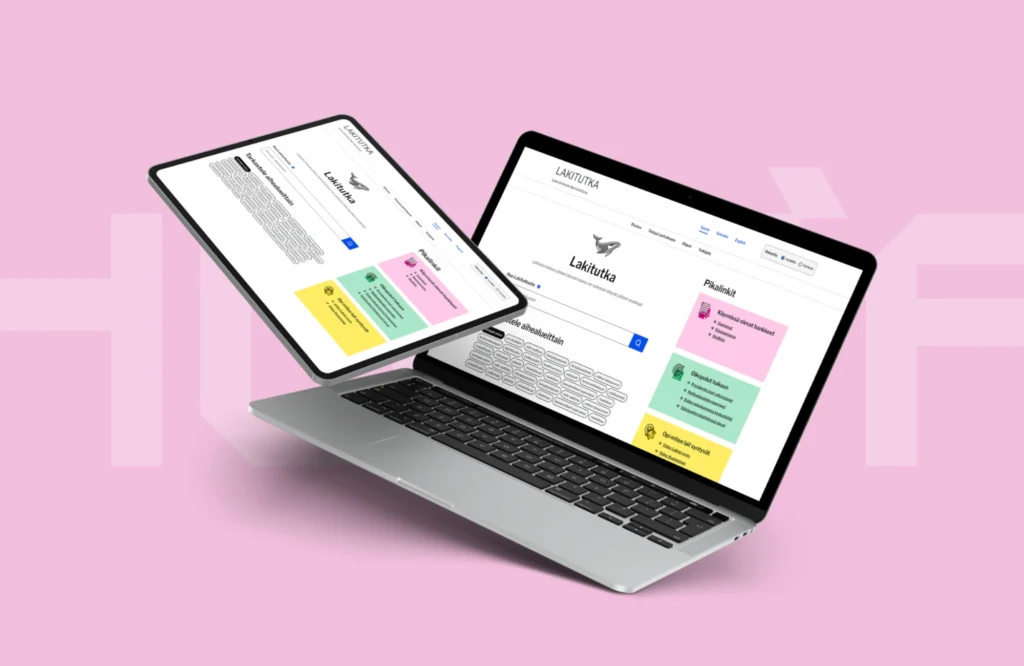
The best results are achieved when UX and UI are designed together
The goal of user interface design is to make the interface as simple and intuitive as possible to use, while also supporting broader business objectives. UX design shapes the user journey, and UI design brings that journey to life through visual and interactive elements. UI design is the stage of a website or software development project where the brand comes to life—simple wireframes are transformed into interfaces that reflect your brand identity and create engaging user experiences.
The relationship between UX and UI in a website or software development project can be compared to a coloring book. UX design creates the detailed outlines and structure, while UI design fills them in with visual elements, branding, and interaction patterns. However, the role of UI design goes far beyond simply adding colors. A skilled UI designer considers both visual appeal and technical feasibility. Creating an effective user interface requires both a strong design sense and an understanding of web development.
UX and UI are not separate phases but complementary disciplines. UX defines how a service should function from the user’s perspective, while UI translates those requirements into an interface that users can interact with. When UX and UI are designed together from the beginning, they also support the software development process. A clear structure and consistent interface make implementation easier and help development teams make informed decisions early in the project. This leads to higher-quality outcomes in digital projects.
Artificial intelligence supports UI design but does not replace the designer
Artificial intelligence is becoming an increasingly important part of digital service design and development. In UI/UX work, AI can be used to analyze user behavior, evaluate design alternatives, and support various stages of the design process. When used effectively, AI can streamline workflows and help identify opportunities for improvement more quickly than traditional methods.
However, AI does not replace UI/UX designers. Responsibility for the overall user experience, aligning design decisions, and ensuring that the final result meets business requirements and brand standards remains with human designers. UI/UX professionals are responsible for interpreting data, making informed design decisions, and ensuring that solutions work effectively for both users and businesses in real-world situations.
A well-executed user interface design supports digital projects in many ways:
- A clear and intuitive user interface
- More efficient use and faster user adoption
- Fewer errors and support requests
- Smoother development and better project outcomes
- Stronger support for business goals
User interface design can be delivered as a standalone project or as part of a broader initiative, such as software development, a website redesign, or an application development project.
User Interface design is a process of continuous improvement
Digital services evolve constantly, and a user interface is never truly finished. User expectations, technology, and business objectives change over time. For this reason, user interface design should be viewed as an ongoing process of improvement rather than a one-time project phase.
A skilled UI designer combines expertise in visual design with a solid understanding of web development. User interface design is part of a broader process in which user behavior, business objectives, and technical constraints are considered together. This approach produces solutions that support real-world use while providing a clear direction for future development.
If you’re looking for a user interface that integrates seamlessly with both the user experience and the underlying technical implementation, let’s talk.
Ready to get started?
"*" indicates required fields

You might also like these articles
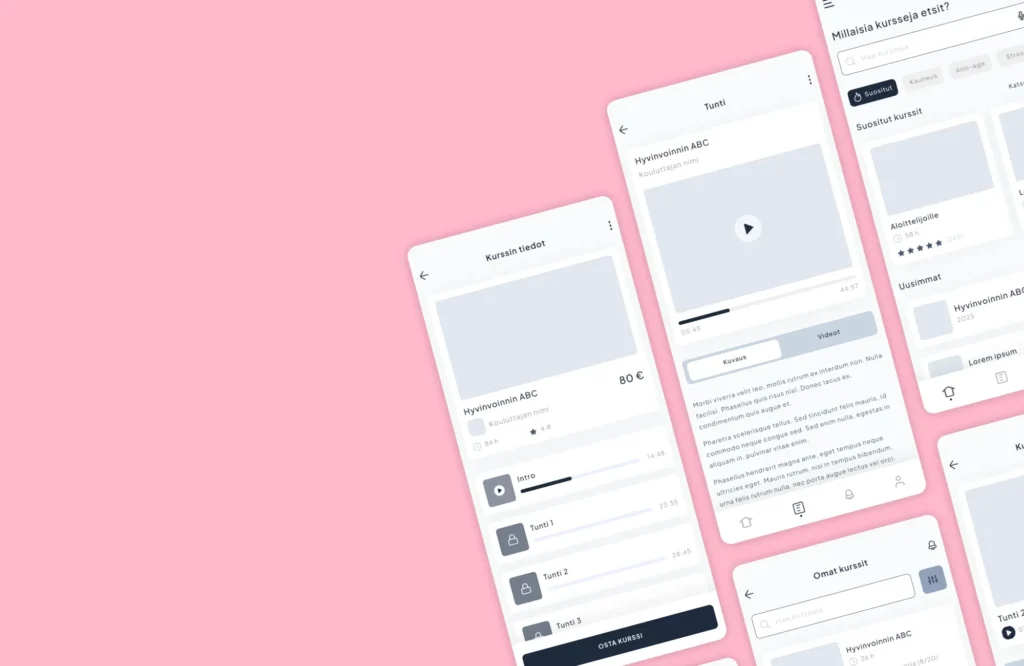
UX and UI design – what are they, and what role do they play in website and software projects?
Read more

How does UX affect the productivity of an online service?
Read more

User stories as a tool in app design using artificial intelligence
Read more

The benefits of Figma prototyping in a software project
Read more
 Context engineering