

UX and UI design – what are they, and what role do they play in website and software projects?
Are you wondering what UX and UI are and what role they play in a website or software development project? In this blog post, we’ll explain these project phases in a bit more detail and why it’s important to pay attention to them.
A website, app or software project is always an investment that is expected to support the business in the long term. Success is not based solely on technical implementation or visual design, but on how smoothly users can navigate the service and achieve their goals. The user experience and user interface have a decisive impact on how effectively a digital service serves both users and the business.
UX and UI design together form a whole that determines how well a service functions in everyday use. UX guides the structure, logic and user journey, while UI makes this whole concept visible and tangible. When these are designed in parallel, the result is a service that is clear, reliable and easy to use in different situations and for different user groups.
UX and UI – differences and similarities
UX design (user experience design) refers to the design of the user experience, while UI design (user interface design) refers to the design of the user interface. UX and UI design are intertwined and share many similarities. Both are also crucial to the success of any website, mobile app or other software.
UX and UI design are intertwined and, from the perspective of a website or software application, go hand in hand. In practice, work is carried out simultaneously on both user experience design and user interface design. The user interface has a significant impact on the user experience, so UI design can be seen as a subset of UX design, and together they shape the overall customer experience.
Despite their similarities and shared objective, however, they play very different roles in website and software development projects. Below, we explore these concepts, which form part of the project planning phase, in more detail.
User Experience Design (UX Design)
User experience refers to the user’s experience when using a website, mobile app or any other software. In UX design, the customer’s journey through the service is defined in detail, while taking into account, for example, typical human psychological behaviors and the objectives set by the company for the service. User experience (UX) design can be applied to both digital and physical products. The user experience arises equally from the use of digital services and physical products. User experience design aims to influence precisely those elements that shape the user experience.
Usability is one of the most important features of a website and software, and also the cornerstone of the user experience. In practice, usability means that using a website or other software enables the user to achieve their desired goal. By focusing on achieving this goal, the functionality of the service in question becomes transparent and predictable, allowing the service to be used intuitively. For example, users must be able to navigate and interact with a website or mobile app easily so that they can find what they have come to look for.
User experience design requires detailed knowledge of the objectives and the users. In fact, background research for UX design commonly utilizes service design to define use cases and functionalities, as well as prototypes at various stages to test features and visual design.
Areas covered by UX design
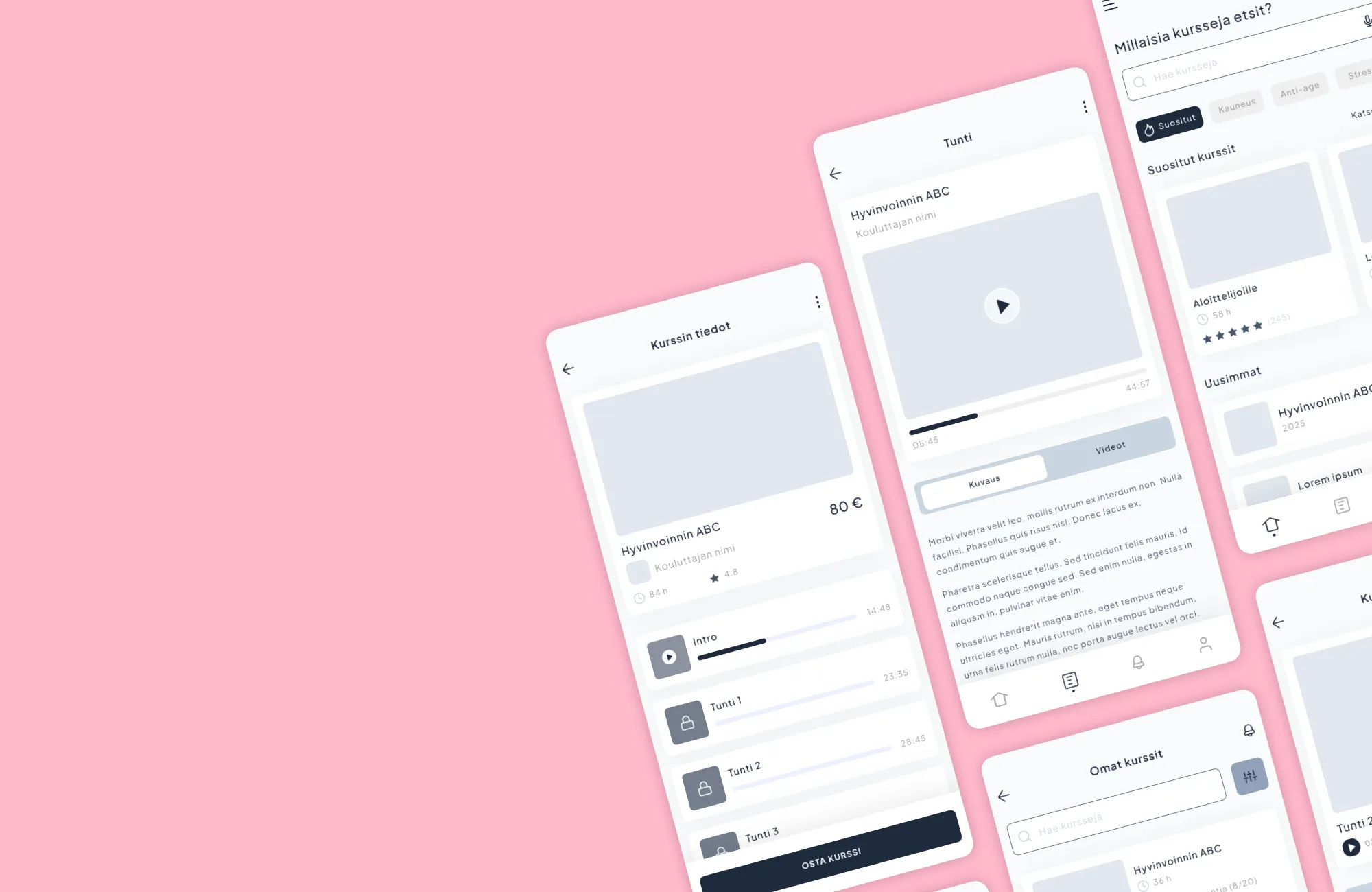
- Wireframes and prototypes
- User research
- Scenarios
- interactivity (interaction design)
- Target group
User Interface Design (UI Design)
User interface design, or UI design, refers – as the name suggests – to the user interface, i.e. what the user sees on the screen. User interface design therefore applies solely to digital products and experiences, whereas user experience design (UX design) can be applied to any kind of product, service or experience.
In user interface design, visual means are used to influence how the user interacts with the software or website. UI design is therefore the stage at which the visual identity of the service is shaped to align with your company’s brand, while also influencing how easy it is to find information and, among other things, how accessible it is. Accessibility is influenced, for example, by the contrast ratio between text and background colors, which falls within the remit of the UI designer.
In practice, however, UX and UI design are always intertwined and go hand in hand when it comes to a website or software application. Take, for example, animations that guide the user: interaction design is part of user experience design, but animation is equally a visual means of making the product or service as easy as possible for users to use, from the perspective of user interface design.
In user interface design, the ultimate aim is for the interface to be as simple as possible to use, thereby also supporting the ultimate business objectives. Whether it’s a mobile app, a web-based application, software or a website – the visual design is part of the user experience for all of these and also influences the perception of the brand.
Areas covered by UI design
- Visual design
- Colors
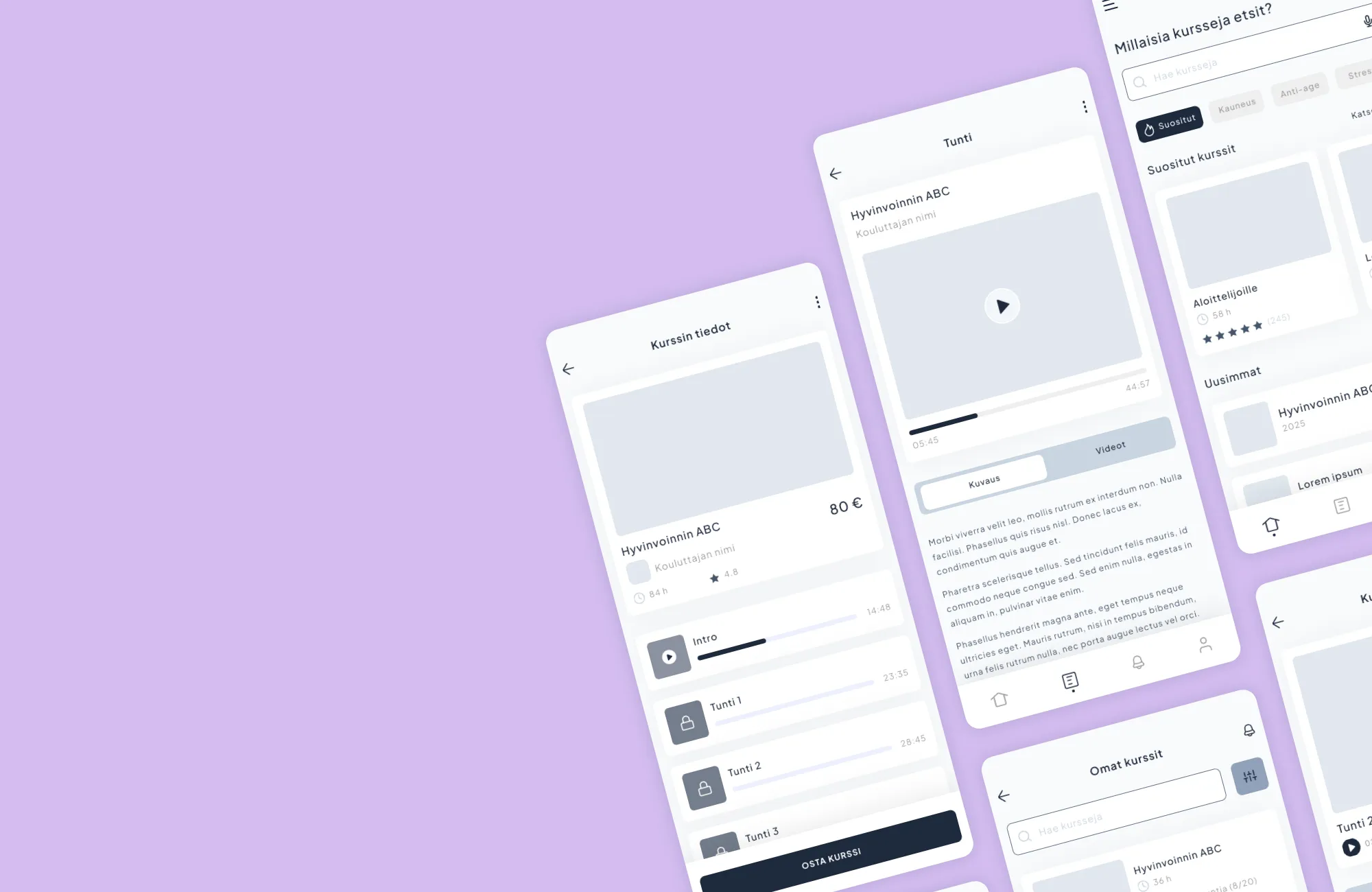
- Mock-ups and layouts
- Typography
- Brand
The best results are achieved when UX and UI are designed together
UX and UI are not separate stages of the process, but rather complementary whole. UX defines how a service should function from the user’s perspective, while UI makes this functionality visible and tangible. If either one is lacking, the whole experience suffers – both in terms of user experience and implementation.
When UX and UI are designed together from the outset, they also support software development. A clear structure, well-defined user flows and a consistent user interface facilitate technical implementation, reduce ambiguity and help the development team make the right decisions in a timely manner. This speeds up development, reduces errors and improves the quality of the end result in projects.
Artificial intelligence supports UI/UX design and development
Artificial intelligence is increasingly becoming an integral part of digital services, but making effective use of it requires a seamless user experience and a clear user interface. AI does not in itself solve usability or functionality problems; at its best, it supports a well-designed UX and UI.
In UI/UX design, artificial intelligence can be utilized, for example, to understand user behavior, evaluate alternative solutions and prioritize development work. From the perspective of development teams, this means less guesswork and a better basis for decision-making right from the early stages.
When AI features are designed as part of a clear user experience and a consistent user interface, they support both the user and software development. In this way, artificial intelligence does not add complexity, but helps to make digital services even smoother and more efficient.
A summary of the differences and similarities between UX and UI design
UX and UI design examine digital services from different perspectives, but they share a common goal: to make the service functional, understandable and profitable for the business. UX focuses on structure, logic and the user’s journey, while UI determines how this whole experience looks and feels in practice.
Although UX and UI can be distinguished from one another conceptually, in practice they always work together. A great user interface cannot compensate for a poor user journey, nor can a well-thought-out UX come into its own if the user interface’s design is confusing or inconsistent. In successful website, app and software projects, UX and UI support one another right from the start.
When the UX and UI are right, the end result is a service that is easy to get started with, a pleasure to use and effective from a business perspective.
- UX design focuses on identifying and solving users’ problems.
- User interface design, or UI design, on the other hand, focuses on visual techniques aimed at creating a user interface that is as intuitive, pleasant and interactive as possible.
- In a software development project, UX design shapes the user journey, which is then brought to life through user interface (UI) design using visual and interactive elements.
- The user interface has a significant impact on the user experience, so UI design can be considered part of UX design. You can find out more on this topic on Adobe’s website, for example.
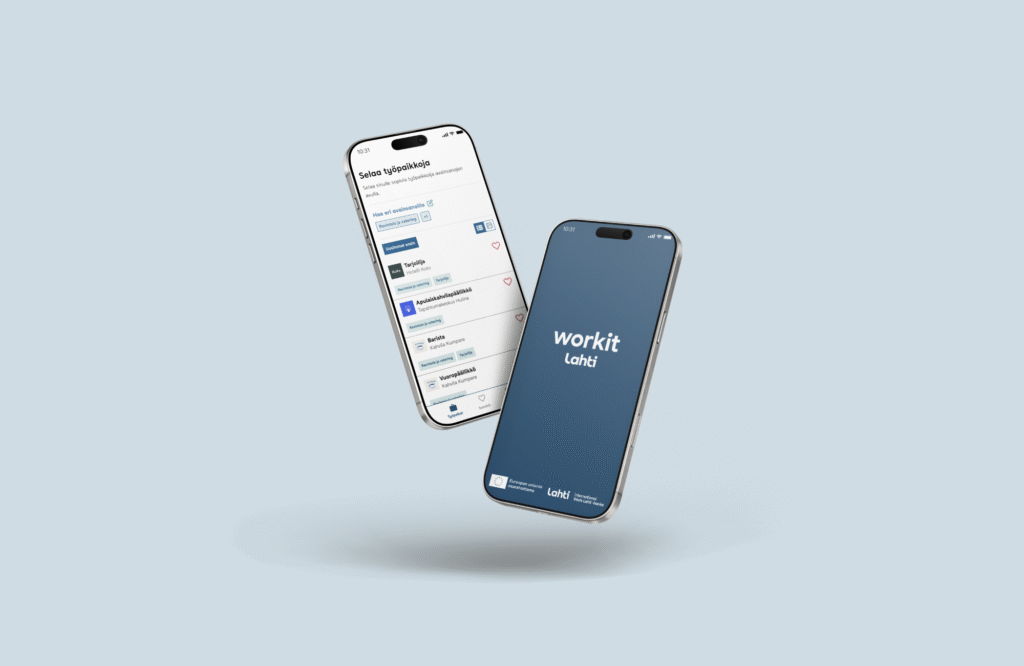
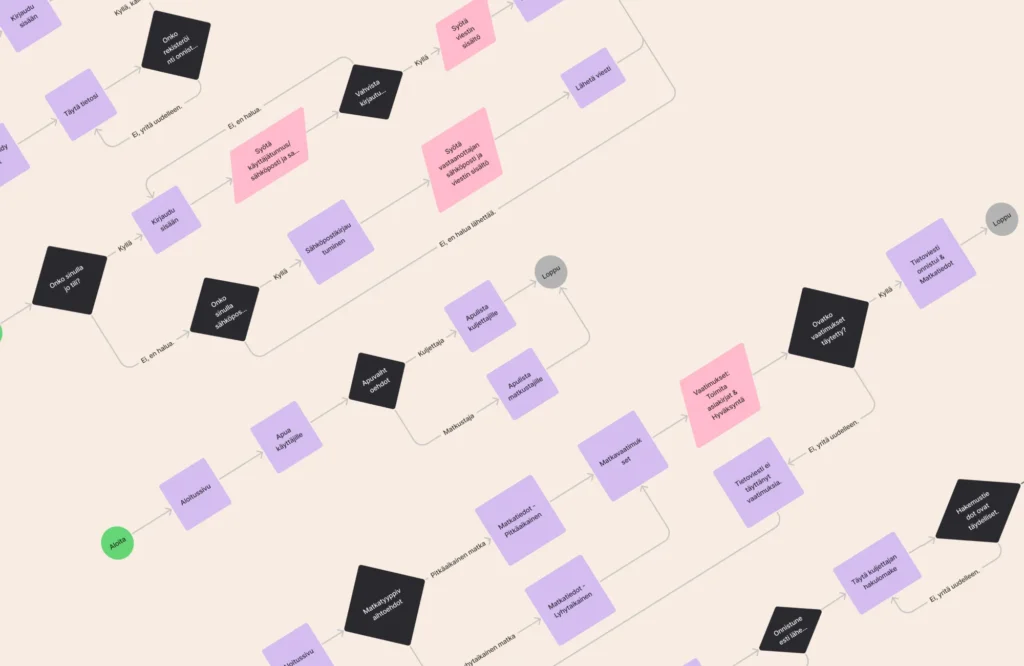
Wireframe models or mock-ups are not always sufficient to illustrate the entire implementation, or, in particular, usability and user journeys. In such cases, interactive mock-ups or prototypes can also be used to aid UX and UI design.
Usability ensures that objectives are met
One of the most important features of any website, service or software is usability, as only services that work well will encourage users to carry out the desired actions. Good UX and UI design can also help you outperform your competitors, as users will choose the company whose services are the most pleasant to use. Ensuring usability is therefore a way to achieve your goals and ensure that your investment also yields results.
At Hurja, we help our clients design and develop websites and software where UX and UI genuinely support their business objectives.
If you need a website or other software designed to meet your objectives in terms of both functionality and visual design, please get in touch!
Ready to get started?
"*" indicates required fields

You might also like these articles

How does UX affect the productivity of an online service?
Read more

The benefits of Figma prototyping in a software project
Read more
User interface design requires technical and visual expertise
Read more
User journeys and AI – how to build a user-centric and intelligent service experience
Read more
 Hurja Solutions Oy is investing in growth by strengthening its team with a solutions consultant